
Best CRM for Cleaning Business
Best CRM for Cleaning Business – 4 Top Picks
Jobber
⭐ 4.8/5 • Best Overall CRM
ZenMaid
Key Features: Client communication, Recurring schedules, Online booking, Cleaner management.
Housecall Pro
HubSpot CRM
What is CRM for a Cleaning Business?
Cleaning CRM software helps you manage your customers and keep their details in one place. You can save customer information, check messages, prepare price quotes, and keep track of customer requests.
This software is made for cleaning businesses. It helps you plan cleaning jobs, manage regular customers, send invoices, accept online payments, and manage your cleaning team.
With cleaning CRM software, you can handle customers, workers, and daily tasks more easily without using different tools.

Do you need a CRM or full cleaning business software?
Standalone CRM
Full Cleaning Business Software
If you’re scheduling jobs, dispatching cleaners, sending invoices, and collecting payments, full cleaning business software offers much more value.
Signs It’s Time to Upgrade
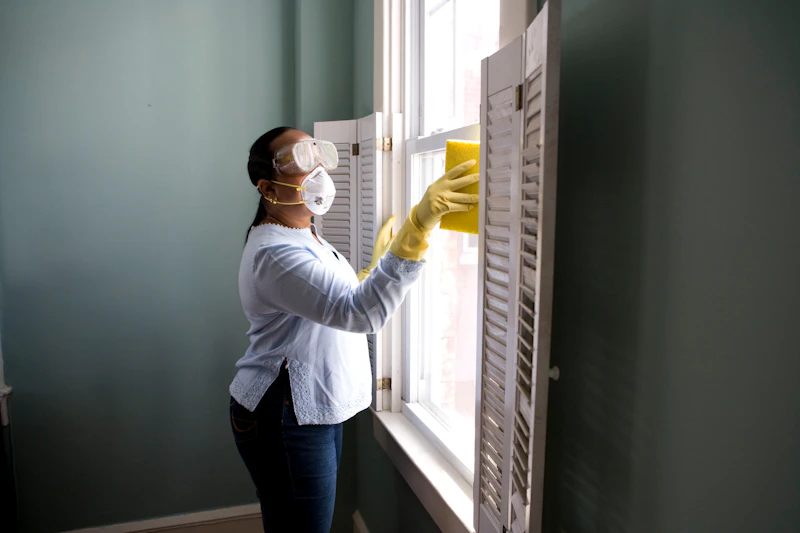
Are admin bottlenecks slowing you down?
- Often miss or double-book cleaning jobs
- Store client information across multiple spreadsheets or apps
- Spend too much time scheduling or following up with customers
- Struggle to manage recurring services and team schedules
How We Selected the Best CRM for Cleaning Businesses
- Recurring Scheduling: Easily plan daily, weekly, and monthly cleaning jobs.
- Customer and Job Records: Keep customer details and past job information in one place.
- Mobile Apps for Cleaners: Allow cleaning staff to check their schedules and job details from their phones.
- Quotes and Invoices: Create price estimates and send bills to customers.
- Automatic Reminders: Send appointment reminders and follow-up messages without doing everything manually.
- Software Integrations: Connect with other popular tools used to run a cleaning business.
- Clear Pricing: Check the plans, costs, and any extra charges before signing up.
1. Jobber
Key Features
- Detailed Customer History
- Fully Custom Fields
- Interactive Cleaning Checklists
- Automated Client Notifications
Additional Tools
- Employee schedules & dispatching
- Efficient Route optimization
- Professional Quotes builder
- Instant online Invoices

Pros & Cons
Pros
- Manage everything from one centralized dashboard
- Add deep property details and location notes easily
- Fully responsive, seamless mobile app access for field crews
Cons
- May not be highly customized enough for extremely complex, large enterprise workflows
Starting at $29/user/month
Free Trial available • Try completely risk-free for 14 days
2. ZenMaid
Key Features
- Online Booking Forms
- Automatic Reminders
- Client Communication Hub
- Recurring Appointments
- Cleaner Scheduling & GPS

Pros
- Made for residential cleaning
- Online booking
- Automated messages
Cons
- Limited customization
- Basic reporting
Starting at $19/month
3. Housecall Pro
Housecall Pro is the best CRM for home service businesses that want Google booking, built-in dispatching, and customer communication tools. It helps cleaning companies manage customer relationships while making it easier to book jobs, schedule technicians, and keep customers informed throughout the service process.

Key features
- Use custom tags to organize different types of contacts.
- Let customers book directly from a Google search.
- Send automated emails and text messages to customers.
- Dispatch cleaners with a drag-and-drop scheduling calendar.
- Store customer history, estimates, invoices, and service notes in one place.
Pros
- Sales teams can make calls directly from the software
- Secure bookings with direct-to-calendar scheduling
- Customers can book directly through Google
Cons
- Lacks key cleaning service software features, such as route optimization
Pricing
4. HubSpot CRM

Key features
- Get notifications when a potential customer opens an email or visits your website.
- Organize customer information with multiple dashboards.
- Access a report library with analytics on contact activity.
- Manage leads through visual sales pipelines.
- Automate marketing emails, follow-ups, and customer communications.
Pros
- Free version available
- Visual dashboard for a real-time view of your sales pipeline
- Strong marketing and automation tools for lead generation
Cons
- Expensive compared to other software once you outgrow the free version
- Lacks cleaning-specific features like scheduling, dispatching, and job checklists
Pricing
What to Look for in the Best Cleaning CRM

- What cleaning services do you offer? For example, do you provide house cleaning, carpet cleaning, or window cleaning?
- What other business tools do you use? Make sure your new CRM can work with the apps and software you already use.
- How big is your business? Think about your current team size and how much you want to grow in the future.
Customer Communication
Mobile App
Reports and Analytics
Customization
Integrations
Training and Customer Support
Important CRM Features for Residential vs. Commercial Cleaning Businesses
1. Residential Cleaning Businesses

- Online Booking
- Recurring Scheduling
- Customer Notes
- Cleaning Checklists
- Automatic Reminders
- Mobile App
2. Commercial and Janitorial Cleaning Businesses

- Employee Scheduling
- Team Communication
- Work Order Management
- Reports
- Quality Checklists
- Job Tracking
Final Thoughts
Helpful Tools That Work Together
Money Tools
Paying Online
Finding Clients
Free Tools vs. Paid Tools
Free apps like HubSpot or Zoho are great for small teams. They store client info and keep track of your chats. But free plans often miss things you need. You might not get tools for schedules, managing your team, or sending bills.
A paid tool is better if you:
- Have a team to manage.
- Do regular cleaning jobs.
- Want the app to send reminders.
- Need clients to book and pay online.
- Want to see how much money you make.
Got Questions? We Have Answers